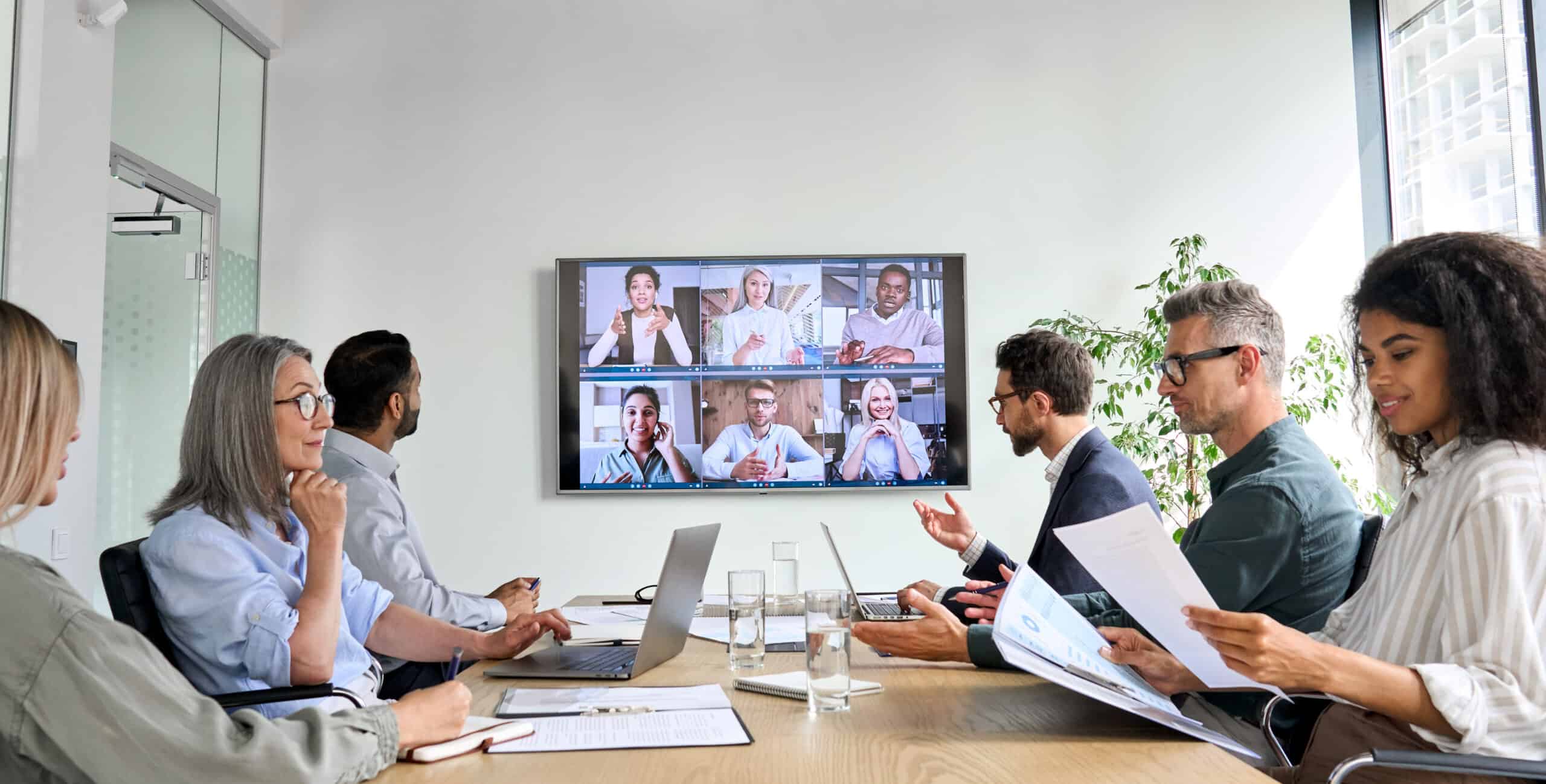
Organizations of all types are still discovering how to reinvent the workplace in a post-pandemic world, and there remains a large variation in how this shift will look across organizations. One factor most employers can agree on, however, is that there’s a strong need today for connectivity across the workplace. While remote and hybrid positions continue to increase, most large corporations are planning to have some balance of in-person and remote workforce.
To ensure connectivity across the in-person and remote workforce, audio visual system design will play an increasingly important role in gathering spaces. Here at CRUX, we see four key areas where conference rooms are evolving to meet post-pandemic workplace needs.
- Conference rooms must do more multi-tasking
Despite social distancing requirements, the conference room is not likely to be abandoned anytime soon. In fact, many organizations are expanding use of their dedicated conference rooms to include applications such as training, in addition to gathering teams and day-to-day collaboration. Part of this expanded use is a direct result of the fact that employers are investing more in their audio-visual system design and equipment, so they want to maximize use of this asset. Before committing to a conference room design or renovation, organizations should consider the full extent of how they might use the space, because their decision could dictate technology needs.
- Quality experiences start with high-quality equipment
Many employees are relying on a clear audio-visual experience to feel connected with their in-office team. So, at the very minimum, organizations should be investing in high-quality cameras that provide exceptional image quality and clear sound. However, future conference rooms are going further to create an inclusive conference experience. This includes, for example, a multi-zone approach to sound rather than having a single microphone at the center of the table, and a balance of static and mobile broadcast style cameras spread across the space, both of which to strengthen sound and image clarity for remote viewers. On the other side, having a range of display screens in the conference room simulates the experience of having those remote team members in the space. At the foundation of this experience, however, is a robust data network. More devices mean more demand on the network and the need for additional data ports to ensure connectivity. A strong network should serve as the foundation for any conference room of the future.
- Touch-free conferencing options will grow
Contactless solutions will continue to be in demand in the post-pandemic workplace. Even as COVID-19 reaches endemic status, employees are now aware of the many germs that they are exposed to through day-to-day interactions. Automated and touch-free audio-visual solutions will remain a key part of the broader technology mix aimed at reducing absenteeism through illness. In the conference room, this will play out in a number of ways. Employers are deploying occupancy sensors in the ceiling to turn on the audio-visual system. These sensors are already used to turn on lights and other systems; now they can trigger a screen, for example, that sends conference room users to a URL prompt or a QR code that guides their touchless presentation setup. Occupancy sensors can also update central corporate calendar applications that a specific room is in use. There’s also been an increase in the number of touch-free presentation solutions already available for the post-pandemic workplace. Many new options allow users to scan a QR code with their mobile device to gain connectivity to a presentation system. While dedicated touchscreens will remain in place, more conference room users will be able to navigate presentation setup entirely through their own mobile device.
- At-home connectivity guidelines set expectations
Ultimately, the remote work experience is only as good as the network of the person connecting from home. In truth, this is where an exceptional audio-visual system design can run off the rails. That’s why it will become critical for corporations with a hybrid or largely remote workforce to manage expectations. Publishing workplace connectivity guidelines is one solution. These guidelines should explain the steps an organization is taking to create an excellent audio-visual experience and offer suggestions for how to support this experience from home. Suggestions should emphasize network infrastructure recommendations, because the infrastructure will be the foundation of any connection. Guidelines may also include specific equipment recommendations. While these recommendations may not be achievable for every employee, they do set employee expectations and may help limit complaints about the remote experience.
Conference room improvements are a must-have
Plenty of gray areas color what the post-pandemic workplace will look like. However, connectivity across the organization—in-person and remote—will be an expectation. In some cases, it will also be a requirement. For example, the Texas Open Meetings Act mandates that the Texas Department of Information Resources specify minimum standards for audio-video systems at videoconference meetings for public entities. While these requirements are fairly straightforward, and can be met with readily available solutions, it’s one more indication of the increasingly important role videoconferencing will play across all organizations. To explore audio-visual system design solutions as unique as your organizational needs, contact CRUX today.

Questions
Find answers to common concerns about implementing technology solutions.
The best time to engage a design partner is before you've locked in vendors or made commitments. Early involvement prevents costly rework and ensures your systems actually talk to each other from day one.
Independent design means we specify based on your needs, not commission structures. You maintain flexibility to choose best-in-class solutions for each discipline without being trapped by a single vendor's ecosystem.
We've salvaged plenty of projects that went sideways. Bringing us in now can still prevent the worst outcomes and establish a clearer path forward with your existing systems and team.
Good design costs less than bad design. The real expense is change orders, rework, and years of firefighting. We help you spend smarter upfront so you're not hemorrhaging money later.
Absolutely. We're guides, not gatekeepers. We collaborate with your architects, contractors, and IT staff to make sure everyone's pulling in the same direction.
Ready to talk?
Let's discuss your specific situation and next steps.
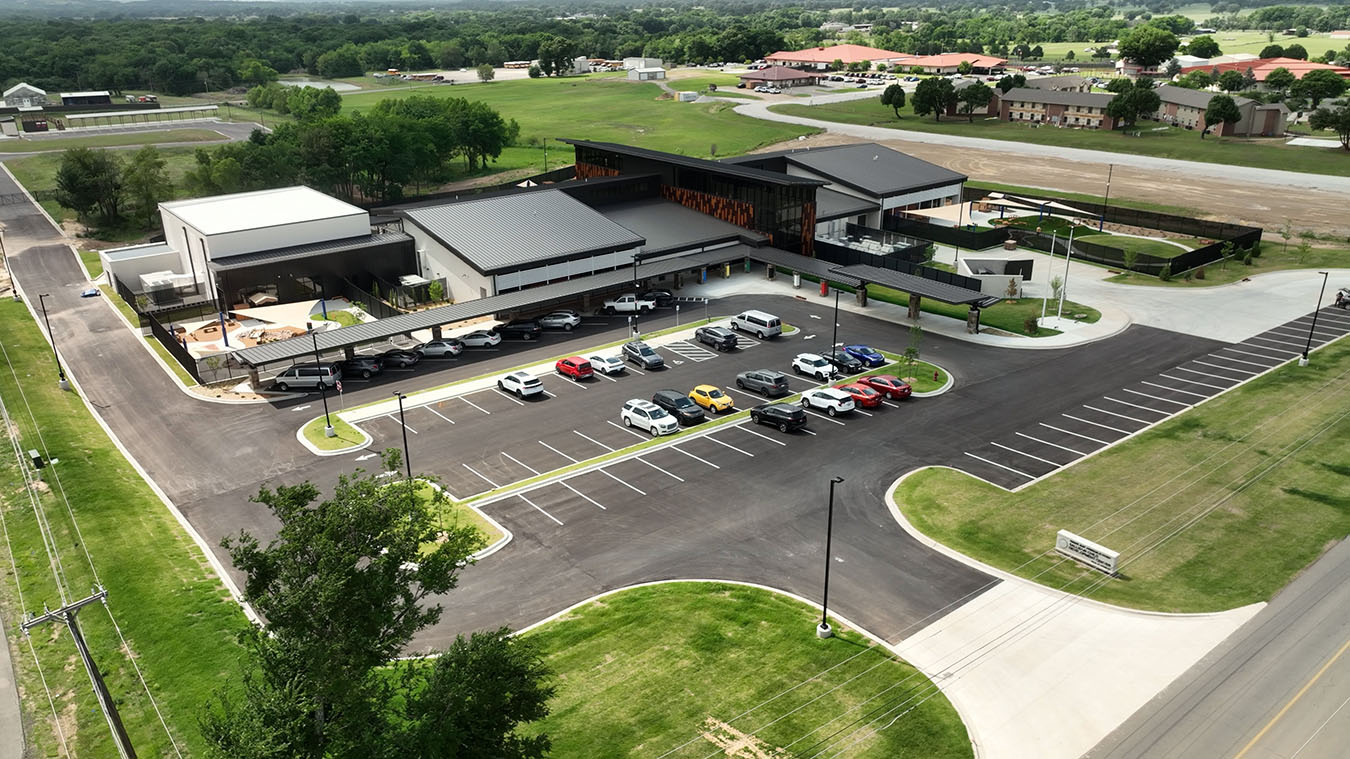
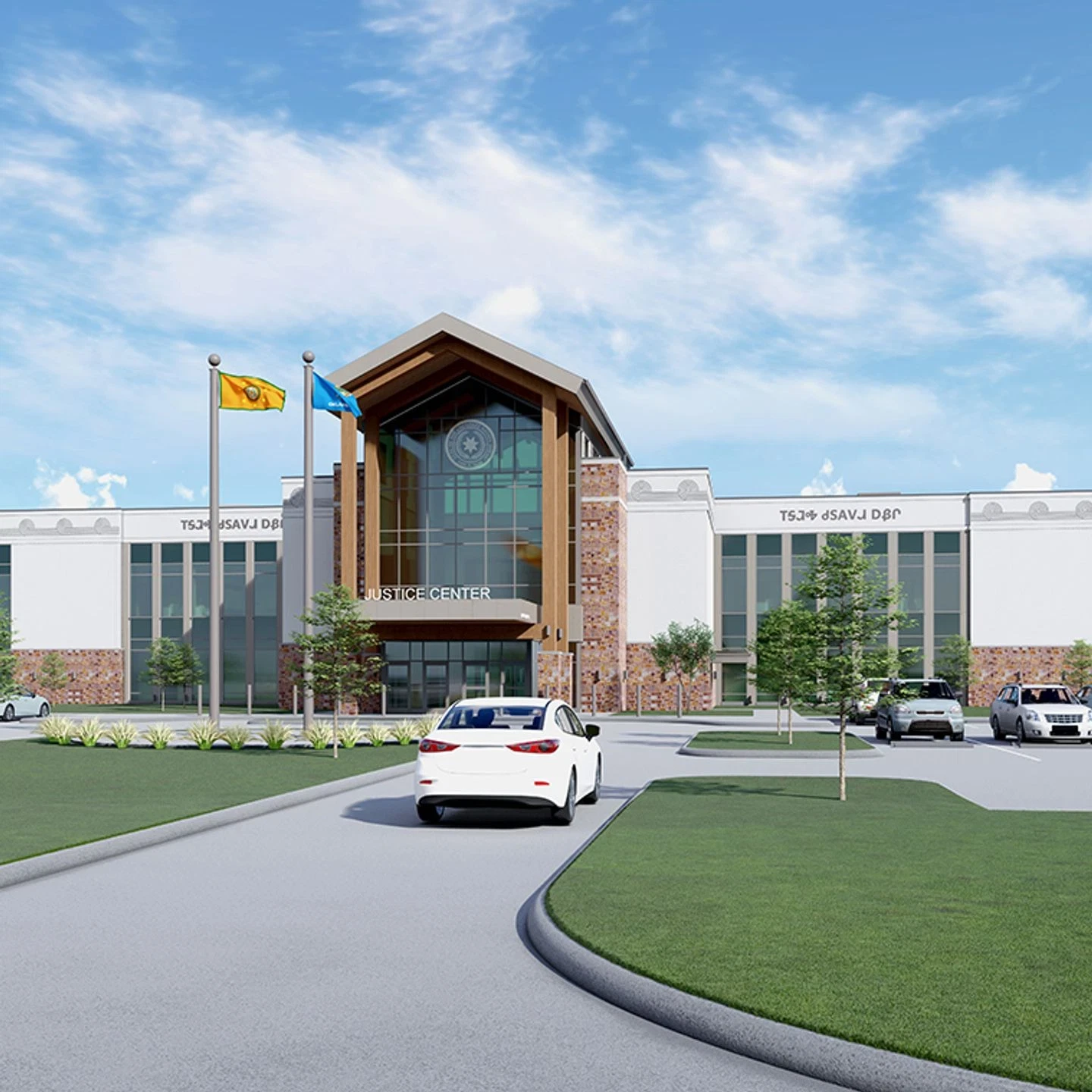
Real buildings, real results
These recent projects prove what vendor-independent design delivers
Ready to Start?
Tell us about your project.
A 30-minute call. We'll listen, ask good questions, and tell you straight whether CRUX is the right fit.